The Developer's Windows Disk Cleanup Guide: Reclaim 50GB+ from node_modules, Gradle & Visual Studio Caches
If you build web apps, SaaS platforms, or Android applications on Windows 10 or Windows 11, standard OS cleanup tools like Windows Storage Sense barely scratch the surface of your storage problem. A typical developer workstation holds dozens of cloned Git repositories, multiple Android SDK versions, Gradle wrapper distributions, NuGet package caches, and Visual Studio intermediate build folders (.vs, bin, obj).
Because package managers prioritize fast local rebuilds over disk conservation, they rarely prune old versions automatically. Here is a complete technical breakdown of where developer bloat hides on Windows, how to audit and purge it via PowerShell, and how Scan My Disk lets you target stale project caches visually using its Age Map and Pre-configured Developer Profiles.
The 5 Biggest Developer Space Hogs on Windows 10 & 11
Before deleting anything, review how much SSD space each developer toolchain typically consumes and whether removing it affects your source code:
| Developer Artifact | Default Windows Path | Typical Footprint | Impact of Deletion |
|---|---|---|---|
node_modules Folders | Inside every JS/TS/React/Next.js project root | 300 MB – 2 GB per repo (20 GB – 80 GB total) | Safe for dormant repos; restore anytime via npm install or pnpm install |
| npm & Yarn Global Caches | %LOCALAPPDATA%\npm-cache & %LOCALAPPDATA%\Yarn\Cache | 2 GB – 15 GB | Safe to clear; packages re-download on next install |
| Gradle Build & Wrapper Caches | %USERPROFILE%\.gradle\caches & %USERPROFILE%\.gradle\wrapper\dists | 10 GB – 60 GB | Safe to clear old Gradle versions; active projects re-download dependencies |
| Android Studio AVD & SDK Images | %LOCALAPPDATA%\Android\Sdk\system-images & %USERPROFILE%\.android\avd | 15 GB – 100 GB+ | Safe to remove unused API levels and old virtual devices |
| Visual Studio & NuGet Caches | %USERPROFILE%\.nuget\packages & %LOCALAPPDATA%\Microsoft\VisualStudio\Packages | 10 GB – 50 GB | NuGet cache is safe to clear via CLI; VS installer cache should be pruned via VS Installer |
Step-by-Step PowerShell Walkthrough: Auditing & Cleaning Dev Caches
Step 1: Find Every node_modules Folder Older Than 60 Days
When you finish a client project or prototype, its node_modules directory sits on your SSD containing tens of thousands of small .js and .d.ts files. Run this PowerShell command inside your main projects directory (for example, C:\Projects or C:\Users\<You>\source\repos) to list every node_modules folder that has not been modified in over 60 days:$cutoff = (Get-Date).AddDays(-60)
Get-ChildItem -Path "C:\Projects" -Directory -Filter "node_modules" -Recurse -Depth 3 -ErrorAction SilentlyContinue |
Where-Object { $_.LastWriteTime -lt $cutoff } |
ForEach-Object {
$sizeMB = [math]::Round(((Get-ChildItem $_.FullName -Recurse -File -ErrorAction SilentlyContinue | Measure-Object Length -Sum).Sum / 1MB), 1)
[PSCustomObject]@{
ProjectPath = $_.Parent.FullName
LastModified = $_.LastWriteTime.ToString("yyyy-MM-dd")
SizeMB = $sizeMB
}
} | Sort-Object SizeMB -Descending | Format-Table -AutoSize
Also clear your global npm cache with:npm cache clean --force
Step 2: Clean Android Gradle Caches and Unused Daemon Logs
If you build Android apps with Android Studio or React Native, %USERPROFILE%\.gradle\caches stores compiled JARs and transform caches for every Gradle version you have ever run. After closing Android Studio, you can inspect and clear dormant Gradle caches in PowerShell:# Check total size of your .gradle folder
"{0:N2} GB" -f ((Get-ChildItem "$env:USERPROFILE\.gradle" -Recurse -File -ErrorAction SilentlyContinue | Measure-Object Length -Sum).Sum / 1GB)
Remove old daemon logs and temporary build caches
Remove-Item -Path "$env:USERPROFILE\.gradle\daemon\*" -Recurse -Force -ErrorAction SilentlyContinue
Step 3: Clear the Global NuGet Package Cache for .NET & Visual Studio
For C# and C++ developers using Visual Studio, %USERPROFILE%\.nuget\packages keeps every historical version of every NuGet package ever restored on your machine. Clear it safely using the official .NET CLI command:dotnet nuget locals all --clear
Why Developers Use Scan My Disk Instead of Manual Scripts
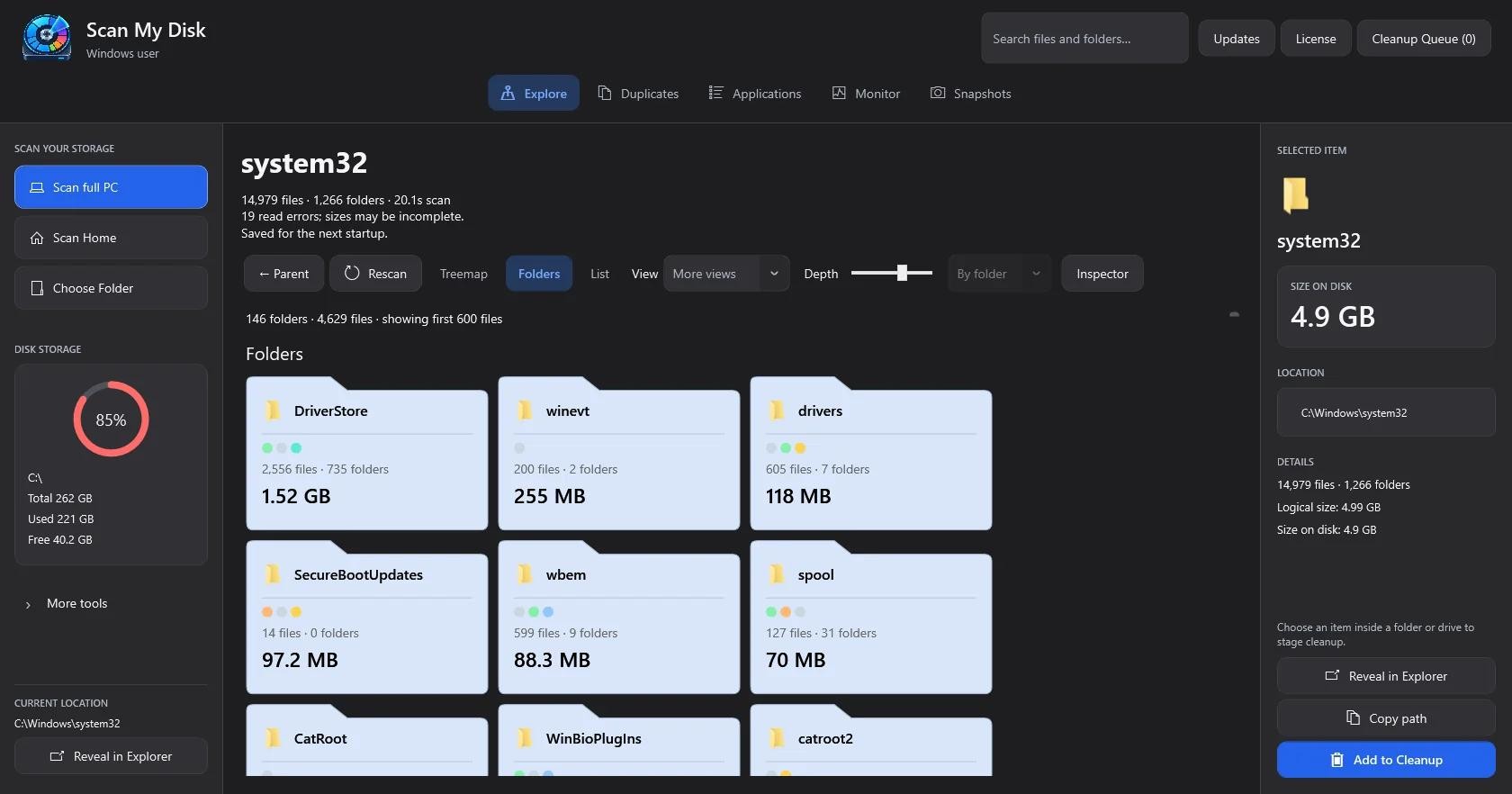
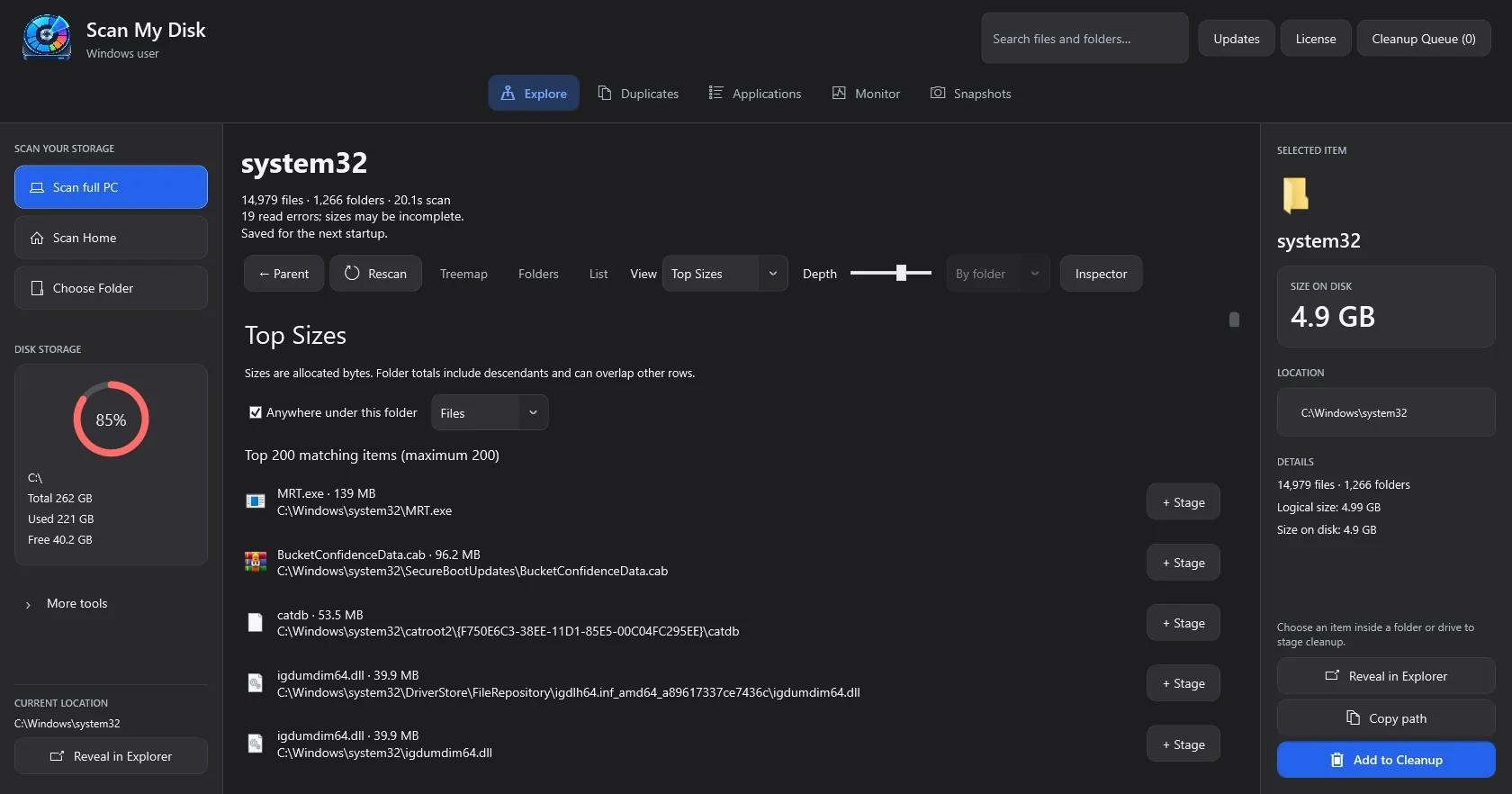
Running recursive PowerShell scripts across hundreds of thousands of tiny files in node_modules and .gradle is slow and makes it hard to see the big picture across your entire drive. Scan My Disk was built specifically with developer workflows in mind:
- One-Click Pre-Configured Developer Profiles: Select built-in cleanup presets for
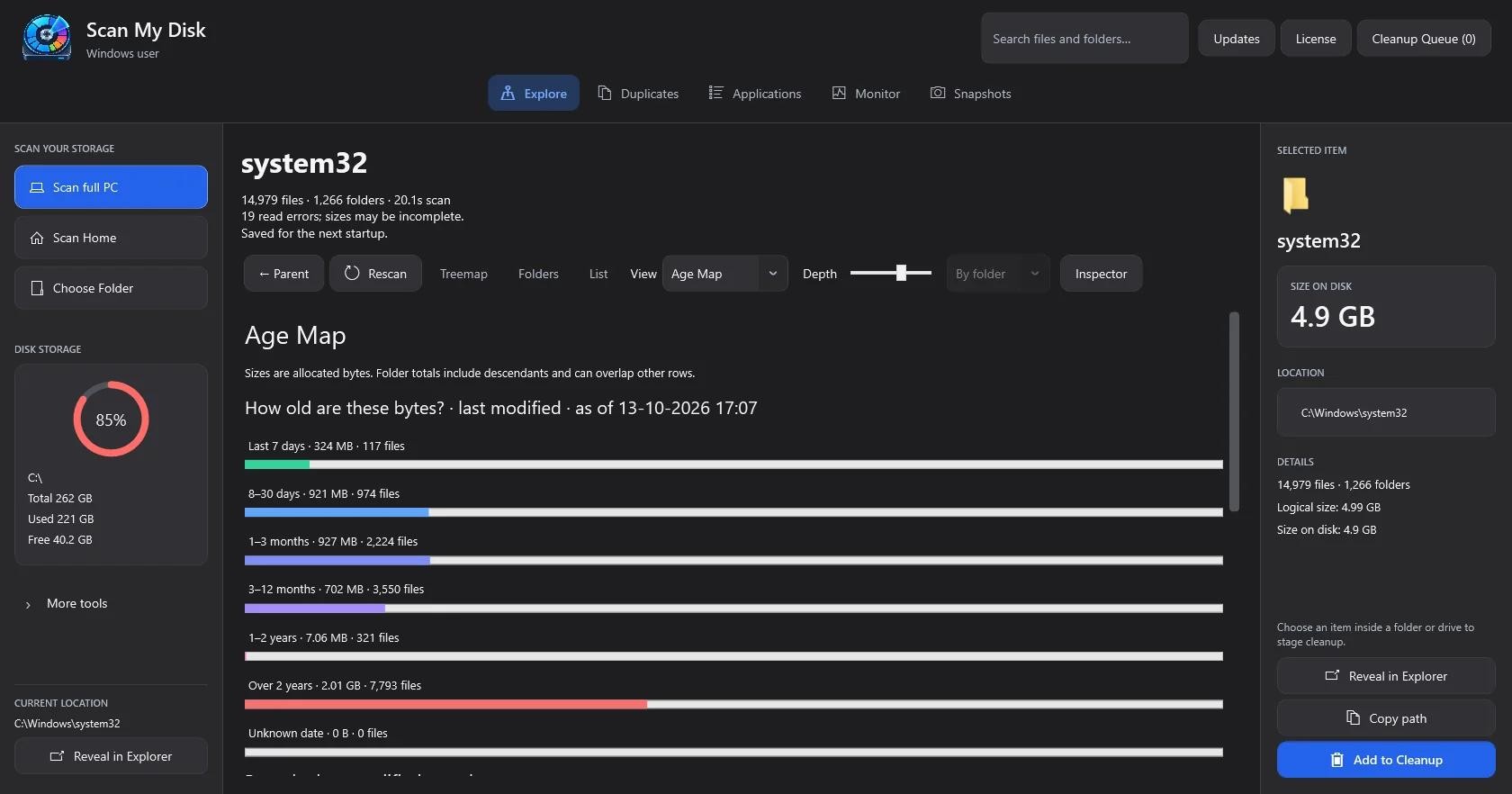
node_modules, Visual Studio build caches, Gradle caches, and DockerVHDXvirtual disks (Microsoft Learn WSL guide) without typing a single terminal command. - Age Map Visualization: Switch to the Age Map view (one of 8 interactive visualizations alongside Treemap, Sunburst, Flame, Bubbles, Mind Map, Folders, and Top Sizes) to group storage by last-modified timestamps—making it effortless to spot 2-GB project folders you haven't opened in six months.
- Safe Cleanup Queue via Recycle Bin: Stage dormant
node_modules,.gradle, and build folders in the Cleanup Queue and send them to the Windows Recycle Bin so your source code and.githistory remain untouched. - 100% Local & $5 Lifetime License: Download the native 64-bit Windows installer on the Scan My Disk License & Download page and unlock lifetime access for a single $5 payment. Explore more cross-platform storage guides on the Scan My Disk Blog and our Delete Hidden Caches Guide.
Frequently Asked Questions (FAQ)
Does deleting node_modules delete my project source code or Git commits?
No. node_modules only contains downloaded third-party packages listed in your package.json and lockfile (package-lock.json, yarn.lock, or pnpm-lock.yaml). Your source code and .git repository remain completely intact, and running npm install recreates node_modules whenever you return to the project.
Is it safe to delete %USERPROFILE%\.gradle\caches on Windows?
Yes, as long as Android Studio and all Gradle daemons are closed first. The next time you open an active Android project, Gradle will automatically re-download only the dependencies required for that specific build, leaving behind gigabytes of obsolete library versions from older projects.
Why does deleting node_modules in Windows File Explorer take so long?
Windows File Explorer calculates individual file permissions and updates UI progress bars for tens of thousands of tiny nested files. Scan My Disk scans and stages node_modules directories cleanly so you can clear dozens of dormant project dependencies in one batch.
Continue Reading
Scan My Disk Review: A $5 Windows Disk Space Analyzer That Makes You Look Before You Delete
A hands-on look at Scan My Disk, a $5 lifetime Windows disk analyzer with 8 views, duplicate finder, snapshots and a cleanup queue.
How to Safely Clean AppData and ProgramData Leftovers on Windows 10 & 11
Running out of C: drive space? Learn which folders inside AppData and ProgramData are safe to delete on Windows 10 & 11, and how Scan My Disk removes leftover app junk for $5.
How to Find and Delete Duplicate Files on Windows 10 & 11 Using 3-Pass Content Hashing
Don't trust filename-only duplicate cleaners. Learn how 3-pass content hashing finds true byte-for-byte duplicate files on Windows 10 & 11 and how Scan My Disk removes them safely.